Travel shapes your life in different ways.
It shouldn’t, as it’s only a part of your life, but it does. Whether you’re looking to capture an upcoming trip or trying to find a better way to improve your travel photos and how they look, a slideshow video is your answer.
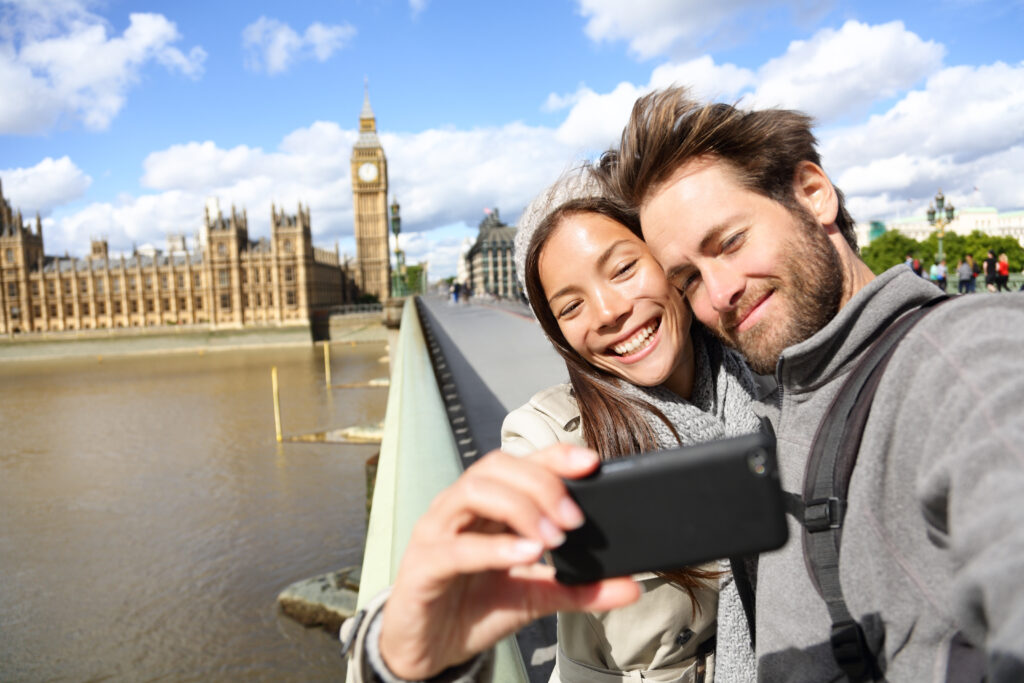
Today, we’ll demonstrate how you can use your travel pictures to create a slideshow video in minutes. That too, in a way that the audience will want to click the replay button over and over.
Collect What Matters
You don’t have to put all your travel photos in the video. Our phones are filled with hundreds of snaps from vacation trips. Sometimes, we take multiple shots just to get that perfect picture.
So, go ahead and spend some time selecting your favorite photos or video clips from the journey. Create a separate folder with the files you finally choose and want in the travel video.
Enter a video editing tool
Even if you’re creating slideshow videos for a brand, we’ve got you covered here as well, pre-made templates ensure that you aren’t left wondering how to make a slideshow on your own. Everything is easy-to-use, and you have a ton of options to choose from and you’ll find a ton of relevant slideshow templates.
Once you select a template, you can also set the aspect ratio you prefer for your slideshow video and start using the template.
Now you’ll be directed to the editor.
You already have templates to pick from, most of the design work is already finished for you; all you have to do is replace the sample files with your own.
You have different options to play around with the text and graphics. The color, tone, size, and literally everything can be altered according to your preference.
Add Photos
The upload icon helps you bring all the visual assets into your slideshow video montage. You have the option to upload different files of different formats and sizes. You can even drag and drop any file. If you’re dropping multiple files at once, you have the option to edit the template block in the order of your choice.
Once the photos have been uploaded, it’s up to you to adjust and decide how long the travel pics will be displayed during the video. If you aren’t sure, you can always do a preview run to see what your slideshow video looks like and make adjustments accordingly.
Add Text
A travel vlog is incomplete without text to tell the story. The next step is to tell this story with creativity. We aren’t talking about adding large paragraphs, but only a few words to each block will do. A viewer will now have more context regarding each photo in the video. The text box helps you add content, and you can create titles or subtitles at any instance in the slideshow video.
There are more options available: you can adjust the font style, size, color of the text and match everything with the background. If nothing works at the end or you don’t want any text in the block, you can easily delete the text field altogether.
In terms of the location, there is also the functionality of picking where the text appears on your video. You can do this by selecting the text box and moving it to the desired spot.
To explore all the available options, we suggest you spend some time playing with the different themes and text styles. It’ll help you pick the best options for your final video.
Add Music and Effects
A slideshow with music adds a sense of continuity. Here, you have that option too. You can add a music track to your vlog by selecting one or multiple songs from the ones available on our free slideshow maker. If you don’t like anything from the list, you have the option to upload your favorite track directly from your computer.
As for effects, there are a whole lot of different options. We advise you to use them as they help increase user engagement and retention. Humans are notoriously drawn to the smallest of details when it comes to moving objects in videos. This is why slideshow videos prove to be far more effective than a plain collection of photos.
Videos with music even boost the SEO rankings of your website if your purpose is to drive business. Why? Search engines rank videos higher than text, and therefore creating one with music, text, and photos will give you more chance of seeing an increase in the website traffic.
Test Everything
The next step is to finish all the editing and produce a test video. It’ll give you a sneak peek of how everything looks and help you figure out any potential errors. If this version seems convincing to you, our platform gives you the option to get the best travel videos out in full HD without any extra effort.
You can now download this full HD video and use it to upload it on various social channels directly. All of it, absolutely free of charge, every single day.
Conclusion
To document a journey successfully and capture all the wonderful moments, digital devices like mobile phones, cameras, etc., are all considered essential travel accessories.
Taking great photos and videos is the first essential step. The other pivotal step is the editing part. No one wants to sit for hours and manually combine all the photos to finally produce a travel photo slideshow. The good thing is you don’t have to do that anymore. With InVideo, you can not only create amazing digital slideshows but do it in minutes.
If starting your journey of creating slideshows and videos still feels challenging, check out our YouTube channel. We talk about everything from editing hacks to social media strategies to video content marketing tactics that you never want to miss out on.
To create your first travel photo slideshow video in a matter of minutes, all you have to do is get started by signing up for free, right here.
